
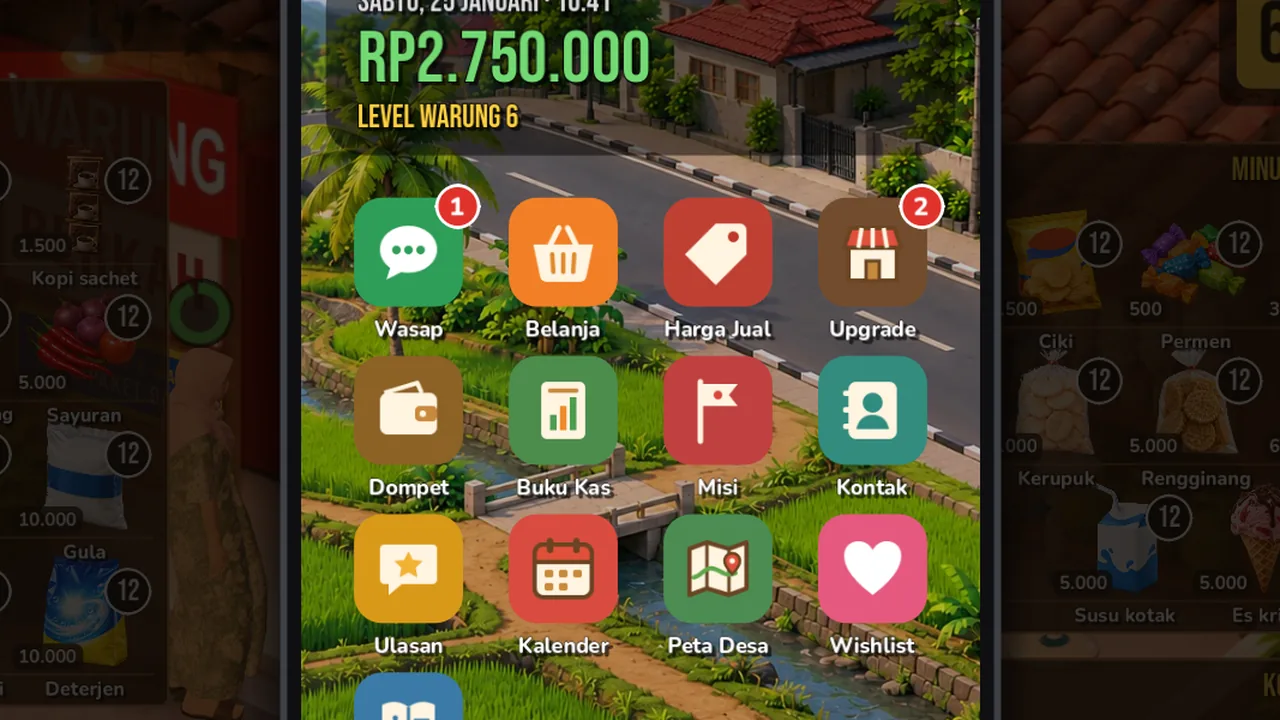

Built for modest phones
Warung Life Simulator is built to run on a wide range of Android phones, including older and 32-bit models. Warung Life Simulator download needs Android 7.0 and above, and modest hardware can still run the shop well with the right habits.
The game is a large download, so the first job is space. Free storage before installing, and keep a little spare for saves.
Settings that help
Lower the graphics settings and close background apps before playing. A cooler phone with free memory runs the village better than a hot phone with every app open.
Play in shorter sessions on very old phones, and let the phone cool between days. The shop keeps its progress, and the phone thanks you for the rest.
Getting the most from modest hardware
A modest phone is not a bad phone for this game. The village was built to run on a wide range of devices, and care closes the gap.
Free storage is the cheapest upgrade. A phone with room breathes, saves, and loads better in every way.
Play plugged in for long sessions. A charging phone stays cool and steady, and the shop day runs smoother for it.
Daily habits for low-end play
Restart the phone before a long session, keep the charger handy, and update on a strong signal. How to Install Warung Life Simulator on Android covers update habits, and Is Warung Life Simulator Safe? Permissions, Ads and Smart Installs explains the backup code that protects the shop on any phone.
If the game still struggles, the fix guides cover crashes and stuck days step by step. Modest phones can run the village; they just need a little more care.